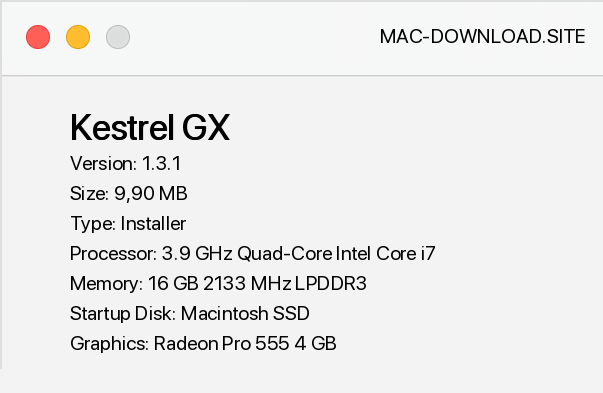
Kestrel GX is a program for viewing and basic image processing. The program is characterized by an aesthetic user interface as well as speed and "lightness". In addition to viewing images saved in the most popular formats (TIFF, GIF, JPG, PCX, BMP, ICO, CUR, PNG, WMF, EMF, TGS, PXM, JP2, J2K, WBMP, PS, PDF, DCX, RAW from some digital cameras, BMPRAW, PSD), Kestrel GX offers BMP, GIF, JPG, PCX, PNG, PSD, TGA and TIFF formats.
The browser itself is very fast and offers the possibility of working in a window or on a full screen. The image processing capabilities of this program are not very extensive, but should satisfy the majority of beginners and intermediate users. In the photo editing window you have 10 commands at your disposal, including the necessary framing, rotating, removing red eyes, sharpening and removing noise.
Selection tools allow you to edit a selected part of the image. The editing view shows the original photo and editing effect next to each other and offers the possibility of matching the image to the window or zoom in. An interesting addition is the ability to add your own watermark to the edited image.
Editing and saving of photos can be done automatically on many files, which makes the program very useful when working with series of photos. And if the editing tools provided with Kestrel are not sufficient, you can open a file in an external editor from the program level. The metadata viewer allows you to view detailed information about the camera stored in EXIF and IPTC formats.
In addition, it is possible to display GPS coordinates if attached to a photo and to export all data to a text file. Metadata reading also allows you to search your photo collection and filter using different criteria. The data stored in all fields can also be edited, even in fields such as camera model name and exposure time.
Another advantage of Kestrel GX is the ability to easily create slideshows from selected photos. When creating a show, the user has access to nearly 200 effects of transitions.


Add a comment


