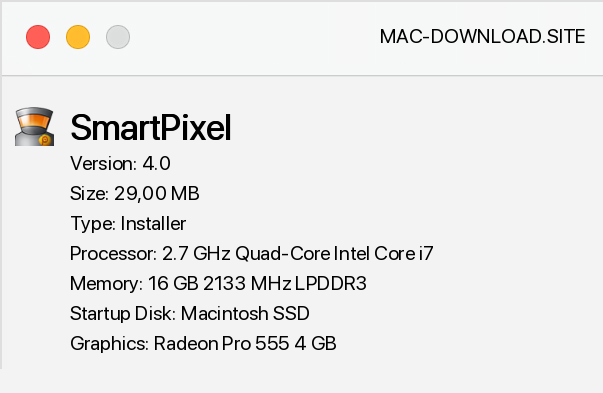
SmartPixel is a versatile yet easy-to-use tool for comprehensive capture, editing and editing of video sequences or screenshots. It allows you to create professional video conductors, presentations and training in HD quality (720p). The program consists of several modules designed to capture materials from our computer screen, as well as their subsequent processing and installation.
The offered tools allow the user to create screenshots, record videos while using the computer (including playing games), as well as record images from a webcam. SmartPixel is compatible with almost all games available on the market, is characterized by low consumption of system resources, and allows you to work in Pic-in-Pic mode, where automatically recorded images from a computer and webcam are captured and assembled. Other equally interesting features of SmartPixel are video editing and editing.
In this area, the tool offers us the ability to work with recorded files and screens, as well as import data from the local computer disk. We have at our disposal a set of options to enrich projects with sound or music background, as well as applying various types of subtitles, text balloons, filters and graphic effects and frames to the image. The program also allows you to mount the slide show from the photos.
At first glance you can see that the program was created with great attention to the simplicity of use and an elegant but intuitive graphical interface. SmartPixel support will certainly not cause the slightest problems even for very novice users. The tool allows you to import files in WPV, AVI, MPG, WMV, MP4, FLV, MP3, WMA, RM, OGG, WAV, FLAC, JPEG, BMP, PNG, GIF etc.
formats. The finished project will be exported to FLV, AVI, MP4 and GIF files.


Add a comment


