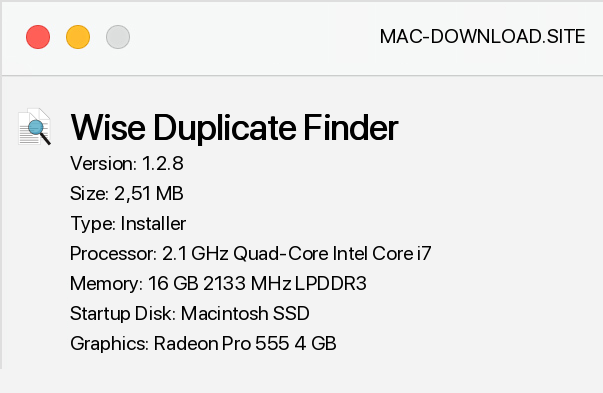
Wise Duplicate Finder is a free tool for locating and removing duplicate files in Windows. When you run Wise Duplicate Finder, you need to select one of four modes of operation: partial matching (fast), exact matching (slow), match the file name and size (fastest) and 0 bytes files, and then add the folder you want to scan.
After completing these steps, just click the "scan" button and the application will start searching for duplicates. By removing duplicates (manually or automatically) we will free up space on your computer's hard drive. But remember that Wise Duplicate Finder contains a restore function that can be useful if you make a mistake and delete the necessary documents, videos, photos or any other files.
Wise Duplicate Finder also allows you to find empty files, as well as the already mentioned 0 byte files, which are the remnants of cleaning your hard drive. Using this program we can locate them in the blink of an eye, saving a lot of time.


Add a comment


