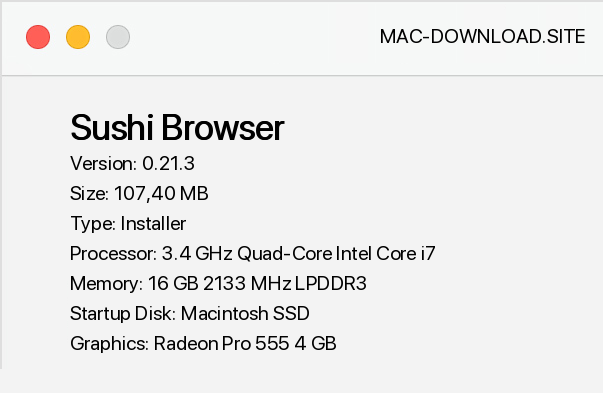
Sushi Browser is a modern web browser. At first glance we are dealing with another application of this kind, which does not stand out from the competition, but it is only appearances. The aim of the authors of Sushi Browser was to maximize the use of space on the computer screen, so this tool allows you to display web sites, bookmarks and more, in various panels.
They allow us to browse more than one website at the same time, while having quick access to Google search engine and - for example - source code. The Sushi Browser allows manual opening of successive panels in places indicated by the user, as well as allowing the use of synchronized scrolling. The option of taking screenshots from the whole website (and not just a fragment visible on the screen!), which can be stored in the clipboard or saved to a file in JPG or PNG format, also looks very interesting.
The application also features adblock, file downloading, mouse gestures, fast browsing history search, and synchronization of history content and bookmarks between multiple computers.


Add a comment


