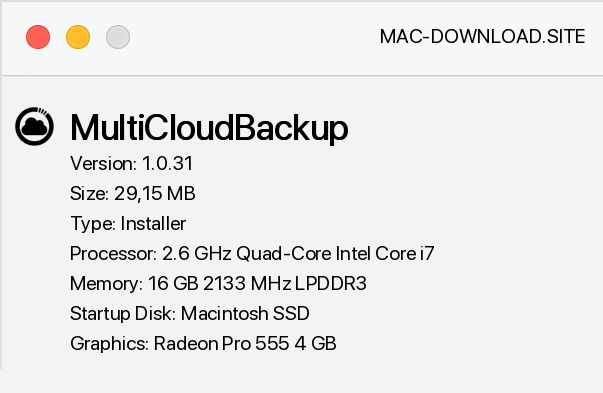
MultiCloudBackup is a useful tool for backing up important data, documents and other files that will be stored in services such as Dropbox, Google Drive, and so on. The application is available for free and offers several useful options, apart from just making backups and sending them to various services or servers. During the first start of the program, we have to choose a password that will protect our files.
The next step is to choose a service provider - we can choose from local backup and Dropbox, Box, Google Drive, HubiC and SMB services. In the future, developers want to integrate with other storage providers in the network. The next step is, of course, to define the folders and files that we want to protect additionally.
By default, the program performs an automatic data backup every 2 hours, but you can change these settings at any time. We can also choose MultiCloudBackup to ignore files larger than a certain size, which will protect us from using the entire available plan in a given service. The program also has the option of storing all backups, or deleting the older ones.
In addition, there is the function of encrypting the transmitted data and restoring selected files to the hard disk.


Add a comment


