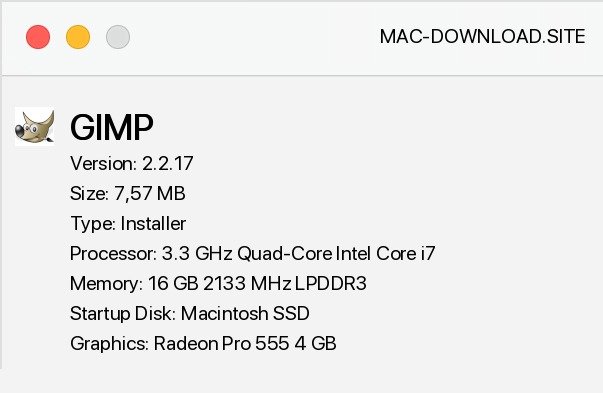
This very popular among Linux users has also seen a version adapted to work in a Windows environment. This is a very good application as an alternative to the "big" ones. - Adobe Photoshop and Corel Photopaint.
Undoubtedly, the biggest advantage of Gimpa is its availability for free, which in comparison to the mentioned competitors costing a lot, puts it in a very good starting position. However, Gimpa's advantages do not stop at cost, and the program effectively lies in the opinion that free of charge must be of inferior quality. The program requires prior installation of GTK+ libraries.
The program works very stable in Windows, the advantage is full Polonization. At first glance, there are many similarities to Photoshop - mainly an elaborate toolbar that looks like a competitor. Well, Gimp really has comparable possibilities in this element.
The program, however, has a slightly different logic - we work on independent windows, the menu is also characteristic, because the basic functions can be found not in the drop-down menu at the top of the screen, but by pressing the right mouse button on the active window. However, it is worth getting used to such a solution because what Gimp can offer us will reward it, a great help for those who change from other applications will certainly be the ability to define keyboard shortcuts. The most important distinguishing features of Gimpa include:
the ability to work on layers, creating selection, creating paths, the ability to use Alpha channels, anti-aliasing, extensive image scaling and transformation capabilities, combining text with image, creating animations, link maps for websites, a database of design libraries and gradients, and many filters. Gimp supports many graphic formats (e.g. JPEG, BMP, PNG, XPM, TIFF, TGA, MPEG, PS, PDF, PCX), in order to support GIF it is necessary to install an extension located in the section:
PROGRAMMES -> Appendices -> Programme extensions.
A serious weakness of Gimpa is the handling of colour palettes. Colour determination is based on RGB, HSV models and the indexed colour palette. While the lack of CMYK and Spot Color standards is not a big problem in the case of electronic publications, however, in the case of publications intended for high volume printing it is a disqualifying drawback - it weakens the possibilities of professional applications of the program.
In conclusion, however, it is an excellent program, which in the case of many users can be a full-fledged alternative to expensive competitors, and as an open source project, it is expected to evolve very quickly and shortcomings will soon be removed. Please note that in order for GIMP 2.2.17 to work properly, it is necessary to install GTK+ libraries (version 2.6.x), which are available for download in the PROGRAMS -> Add-ons ->
Libraries and other add-ons section.


Add a comment


