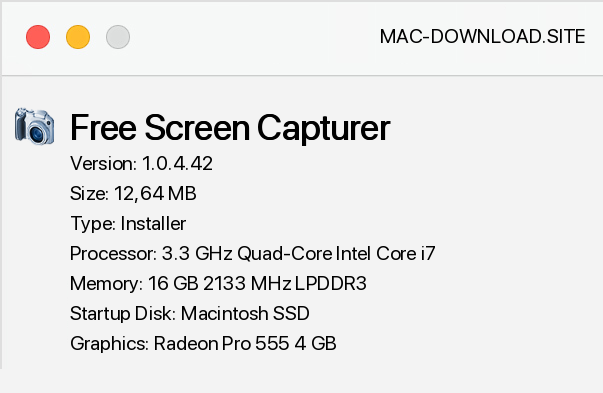
Free Screen Capturer is a simple, free software for capturing screenshots. It has a modern and intuitive user interface. The application is extremely easy to use.
To take a screenshot, simply press the Print Screen button on the keyboard and select one of the three available options: a full screen shot, an application or a selected fragment of the screen. Screenshots can be saved to the clipboard or file (supported formats are BMP, JPG, GIF, PNG and TIFF), then printed or emailed.
Free Screen Capturer also records screenshot sequences in the popular WMV format. This option is extremely useful, for example, when preparing illustrated tutorials that can be placed on a network or saved on any data carrier. It is also useful in case of computer failure, when we have to save information about errors occurring in applications or operating system.


Add a comment


