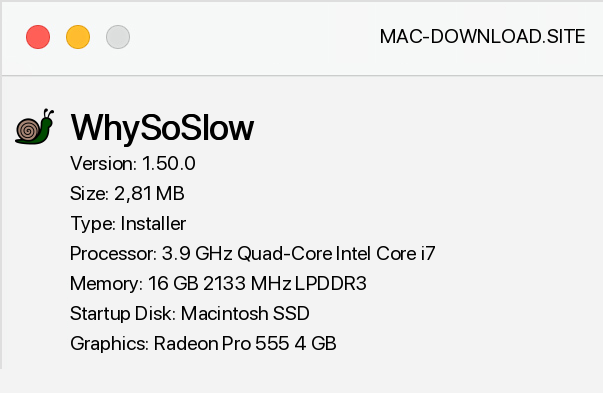
WhySoSlow is an extremely useful and at the same time very easy to use diagnostic tool, thanks to which we will learn which systems slow down the work of our computer. Using WhySoSlow is really easy - just press the Analyze button and after a while the screen displays detailed information about the speed, CPU load and temperature, kernel and installed programs responsiveness, as well as the amount of memory consumption. WhySoSlow is not necessarily characterized by a modern, but very clear interface - all data have been placed in a legible table, and in addition to information about the operation of individual circuits, you will also find the appropriate icon, which suggests whether it works properly, or you should pay more attention to it (e.g.
when the CPU temperature is too high).


Add a comment


