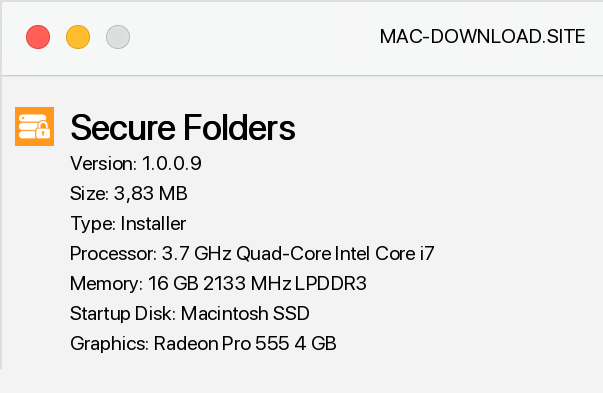
Secure Folders is a small application with interesting features, allowing you to protect any number of files against access by third parties or simply unwanted. The program allows you to "hide" an unlimited number of files and folders with just a few mouse clicks. Private directories can not only be completely hidden from prying eyesight, but can also be left visible, for example, but with blocked access to the data contained therein.
To be even more secure, we can also enable data encryption. Folders protected by Secure Folders cannot be deleted, copied, moved or otherwise changed by an unauthorized person. During the installation of the program we have the possibility of normal installation - in the additional options of hiding the program from the menu Add and Remove Windows Programs - and portable installation.
The first time you run the application, it is worth setting the main password, which we will use to identify the application, and thus to access secure files and directories.


Add a comment


