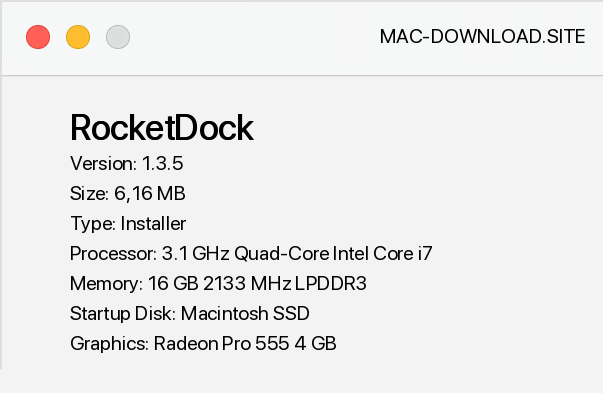
RocketDock places a quick start bar on the desktop similar to the one offered by Mac OS X. The bar allows you to define shortcuts to your favorite programs, folders or system elements such as My Computer, Control Panel or My Documents. RocketDock also allows you to preview movies played in Windows Media Player or minimize open application windows.
In the application settings you can also activate the option responsible for minimizing the application to RocketDock. It should be noted that thumbnails of minimized programs are displayed in real time. The size and position of the bar as well as any manipulation options can be freely modified from the program settings.
In addition to the standard features, we can also select add-ons, icons and skins that will match the appearance of the user's individual preferences. Note that RocketDock does not collide with the taskbar.


Add a comment


