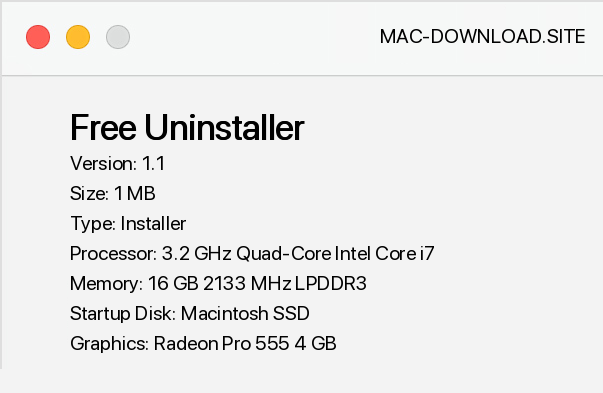
Free Uninstaller is a replacement for the applet Add/Remove Programs. The program starts much faster than the system applet and contains a number of additional functions. The main task of Free Uninstaller is to remove programs installed in Windows and remove uninstalled and unnecessary remnants in system registry entries.
To uninstall a program, simply select it from the list and click the Uninstall button. In the lower part, the most important information about the selected program is displayed. In addition, the program distinguishes the wrong elements in red.
Most often these are already removed programs, after which unnecessary entries remained in the registry. To delete an item, select it in the list and click the Delete button.


About program

Version
1.1

Size
1 MB

System
Windows/Linux/MacOS

Downloads
6079
Best programs


Comments

barszczbialy
( 10.12.2018 11:16 ) 
I'm very happy that I downloaded Free Uninstaller, it's really good, the best among programs of this type.
Add a comment
Recommended programs


Related programs


