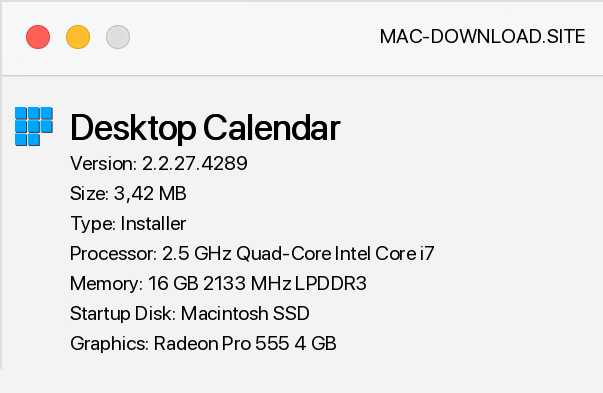
Desktop Calendar is a calendar to place on the desktop of our computer. The tool is characterized by simplicity of operation. After launching, just double-click on the selected day of the calendar to start entering the necessary information related to the user's plans, and then color the selected cell, so that we can distinguish it from other days.
It should be noted that Desktop Calendar includes the option to import and export data, which allows you to easily move it between Desktop Calendar and offers the ability to define font type, color and size in application settings, where you can also modify cell spacing and adjust the transparency of the program window. The application also allows you to specify how the next days, weeks and months are displayed, so you can customize the way you present information to suit your preferences.


Add a comment


